Find the message you need
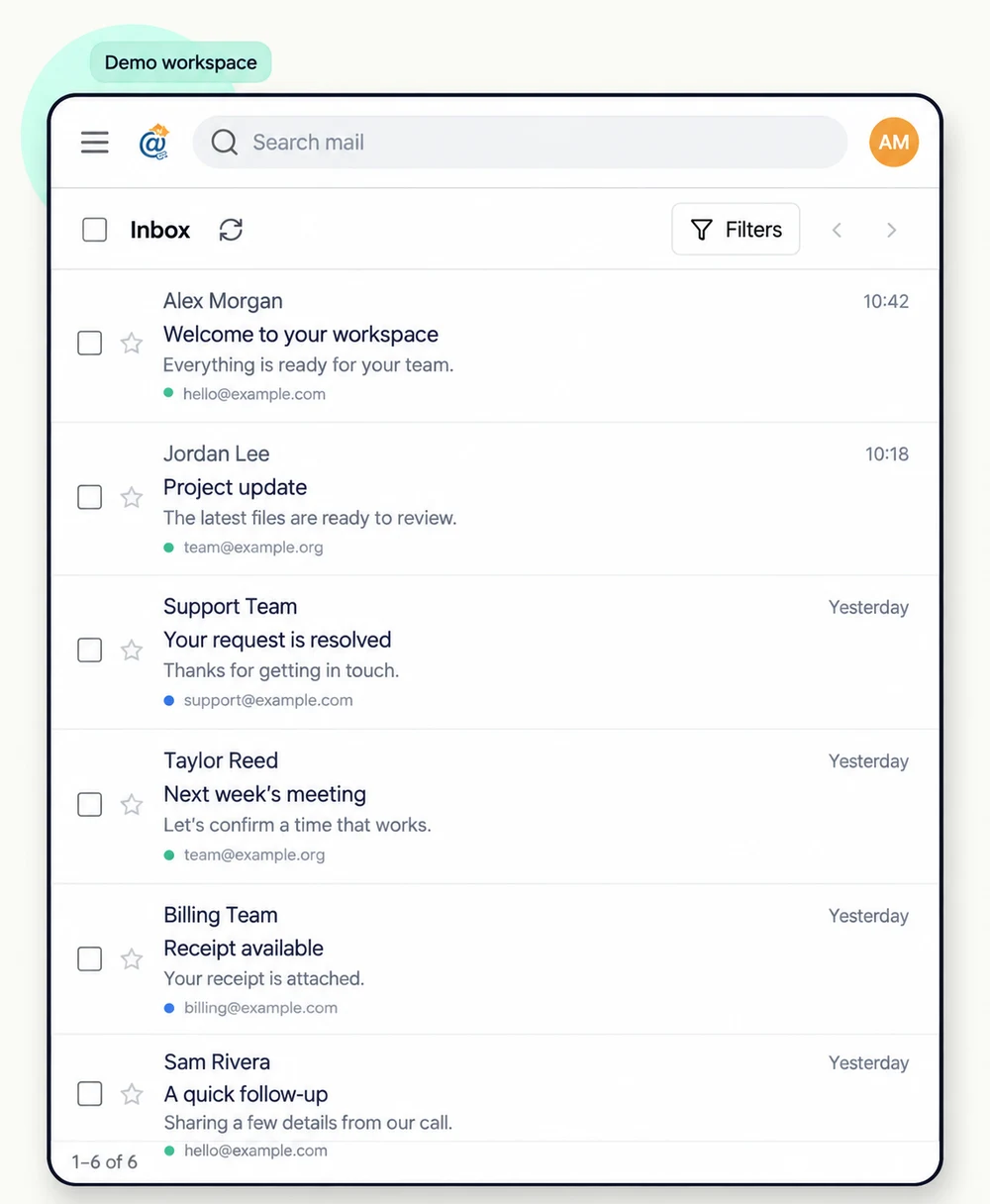
Search across mail, narrow results with filters and organize conversations with labels and folders.
Meet your email workspace
A familiar way to work with email, backed by your own AWS SES account and a dedicated Mailat instance.
Search across mail, narrow results with filters and organize conversations with labels and folders.
Create sender identities on verified domains and send or reply through your connected AWS SES account.
Receive mail for your own domains through SES, with a unified inbox for the addresses you manage.
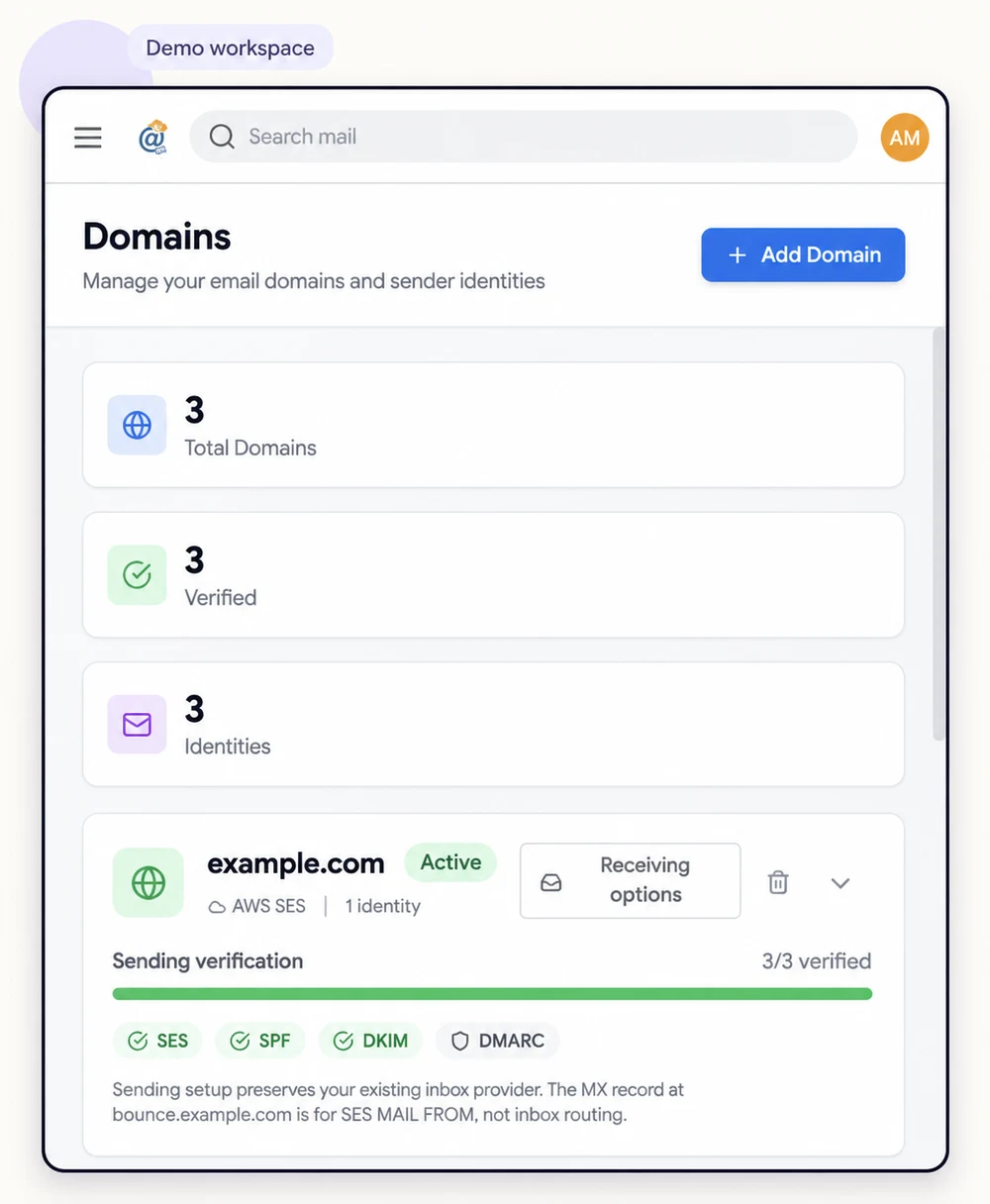
See DKIM, SPF and DMARC guidance in one place. Existing DNS policies are considered before changes.
Your domains, your choice
Connect a domain for sending without replacing the provider that receives your mail. Switch on receiving only when you want Mailat to handle it.
For the way you work
Use Mailat’s API to send, receive and manage email from your own tools. Signed events let workflows respond to new mail and delivery changes.
Create a scoped API key inside your instance and use the API documentation there for its base URL, payloads and webhook verification. HTTP-based tools such as n8n can call these endpoints.
Get connectedThese are Mailat software capabilities. Hosting resources and subscription terms are shown separately at checkout. AWS quotas and verified-domain requirements apply.
From account to inbox
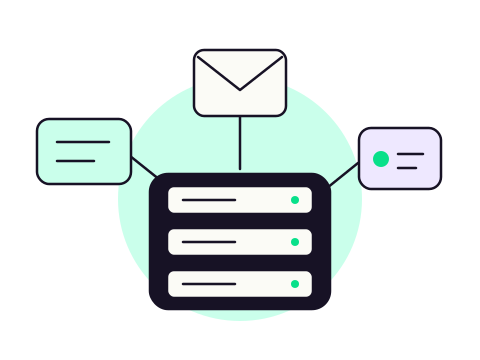
Pick a plan, sign in with your email, and complete your subscription through Gumroad.
Add your SES credentials and region. Mailat checks your configuration before deployment.
Follow setup progress, open your Mailat instance and verify the domains you own.
Your next chapter in email
Bring your AWS account. Choose your plan. Give your email a home of its own.