Your AWS SES. Your dedicated Mailat. See how it works

Free software. Your email.

Your email.
Open source.
Your choice.

Free, open-source email software. Send with your AWS SES account and bring your domains into one inbox. Deploy it yourself, or let Mailat Cloud host it for you.

MIT-licensed software. Your server and AWS usage have their own costs. Managed hosting starts at $15/month.

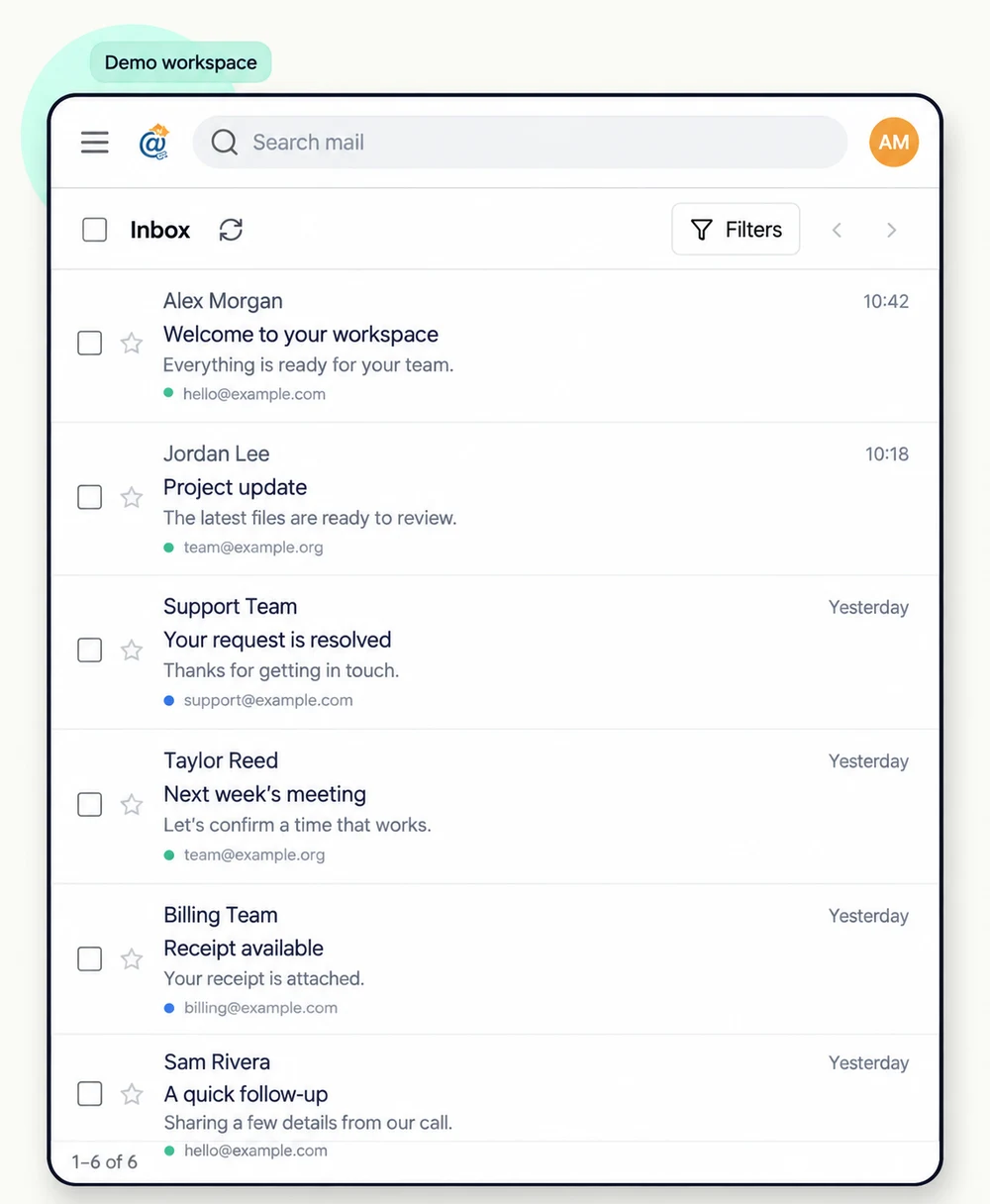
Mailat inbox with search, filters and messages from multiple demo addresses.
Real Mailat interface, adapted with demo data.

One app. Two ways to make it yours.

Choose where
your email lives.

The same open-source Mailat app, on your own server or hosted by Mailat Cloud.

Free MIT license

Self-host Mailat

Take the source, run it on your infrastructure, and make it your own. No Mailat software subscription required.

  • Your server, deployment and updates
  • Your AWS SES account and verified domains
  • Free software; server and AWS costs are separate
Hosting from $15/month

Let Mailat Cloud host it

Choose a dedicated Mailat instance with managed deployment and an account dashboard. Keep AWS in your own account.

  • Hosting, deployment and support included
  • Your AWS account and verified domains
  • AWS usage and applicable taxes are separate
Before you deploy

Your domain. Your AWS account. Your choice of hosting.

For managed hosting, choose a plan and connect your AWS account. Have a domain you own and access to its DNS records ready so you can verify it before sending email.

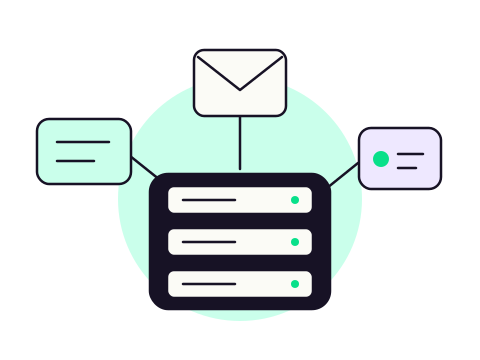
One connected email setup.

AWS SES Your domains Mailat Your workflows

Less infrastructure. More conversation.

A familiar inbox.
A setup that belongs to you.

Meet the Mailat app

Many addresses.
One place to catch up.

Bring mail from your own domains into a unified inbox. Search, filter, label and reply without jumping between accounts.

Receiving through SES is optional. Keep your existing inbox provider when you only need sending.

Understand domain routing
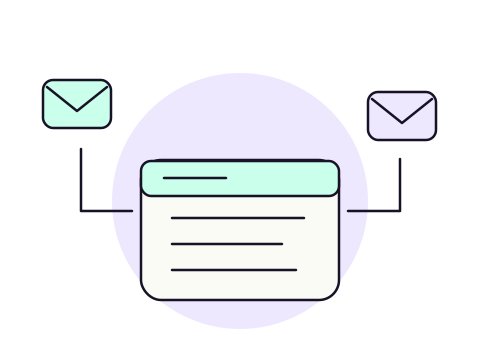
Concept illustration
Concept illustration of a dedicated Mailat server with an envelope and message cards.

Your own instance.
One less thing to set up.

Mailat.co provisions and manages the home for your email app. Connect your AWS account, follow deployment progress, and open Mailat from your dashboard.

Explore managed hosting

Email that works
with your workflows.

Send and manage messages through the API. Use signed webhook events to connect incoming mail and delivery updates to your own tools.

See what connects
A workflow, your way
  1. 1A message arrives in Mailat
  2. 2A signed event reaches your workflow
  3. 3Your tool takes the next step

Configure API keys and webhooks in your Mailat instance. Compatible with HTTP-based tools such as n8n.

From account to inbox

A little setup.
A lot more ownership.

Concept illustration
  1. 01

    Choose your home

    Pick a plan, sign in with your email, and complete your subscription through Gumroad.

  2. 02

    Connect your AWS account

    Add your SES credentials and region. Mailat checks your configuration before deployment.

  3. 03

    Make it yours

    Follow setup progress, open your Mailat instance and verify the domains you own.

Built around real work

One platform. Your kind of email.

More than one domain

Bring addresses from the domains you manage into one workspace. Keep context while you read and reply.

An app with things to say

Send application email through your own SES account and follow delivery events from your Mailat instance.

A workflow with a next step

Let incoming messages start a workflow in your own tools using API calls and signed webhook events.

A clear starting point

Your infrastructure.
A plan that fits.

Choose managed hosting for your Mailat app. Keep AWS usage and your sending reputation in your own account.

Start here

Basic

1+ vCPU, 2+ GB RAM and 40 GB storage. CX23 preferred; CPX12 when capacity is limited.

$15/ month

Choose Basic
  • Managed Mailat instance
  • Connect your own AWS SES
  • Deployment & account dashboard
  • Customer support tickets

Build on your setup

Dedicated

Room for your next chapter.

$19/ month

Choose Dedicated
  • Managed Mailat instance
  • Connect your own AWS SES
  • Deployment & account dashboard
  • Customer support tickets

Think bigger

Enterprise

For a more demanding setup.

$50/ month

Choose Enterprise
  • Managed Mailat instance
  • Connect your own AWS SES
  • Deployment & account dashboard
  • Customer support tickets

Prices are in USD. AWS usage and applicable taxes are separate. Review the configured resources and subscription terms at Gumroad checkout before purchase.

Subscription terms

A few useful answers

Before you make yourself at home.

A clear picture of what you get, and what you bring.

Explore the guides
What is Mailat.co?

Mailat.co manages the hosting and deployment of your Mailat email application. Your dedicated instance is where you read, send and organize mail; this control panel is where you manage your subscription and infrastructure.

Do I need an AWS account?

Yes. Bring your own AWS account with SES enabled in a supported region. AWS usage is billed separately. Your SES sending limits, production access and sender reputation still apply.

Can I keep my current inbox provider?

Yes. Connect a domain for sending only and keep its existing root MX records. Receiving through Mailat is a separate, explicit choice. If you enable it, review the effect on your current mail routing first.

Can I send from any address?

You can create sender identities on domains you own and verify in AWS SES. Verification, permissions and AWS sending limits apply; Mailat does not let you impersonate other domains or bypass provider limits.

How does subscription billing work?

Choose Basic, Dedicated or Enterprise and complete checkout through Gumroad. Your dashboard shows the verified subscription state and links to your membership management. AWS charges are separate from your Mailat plan.

Can I connect my own workflows?

The Mailat application offers API keys, email APIs and signed webhook events for integrations such as HTTP workflows in n8n. You configure those integrations inside your own instance.

Your next chapter in email

Make room for your own Mailat.

Bring your AWS account. Choose your plan. Give your email a home of its own.

Choose your plan